How to Install IPTV on Firestick Step by Step for Complete Beginners in 2026
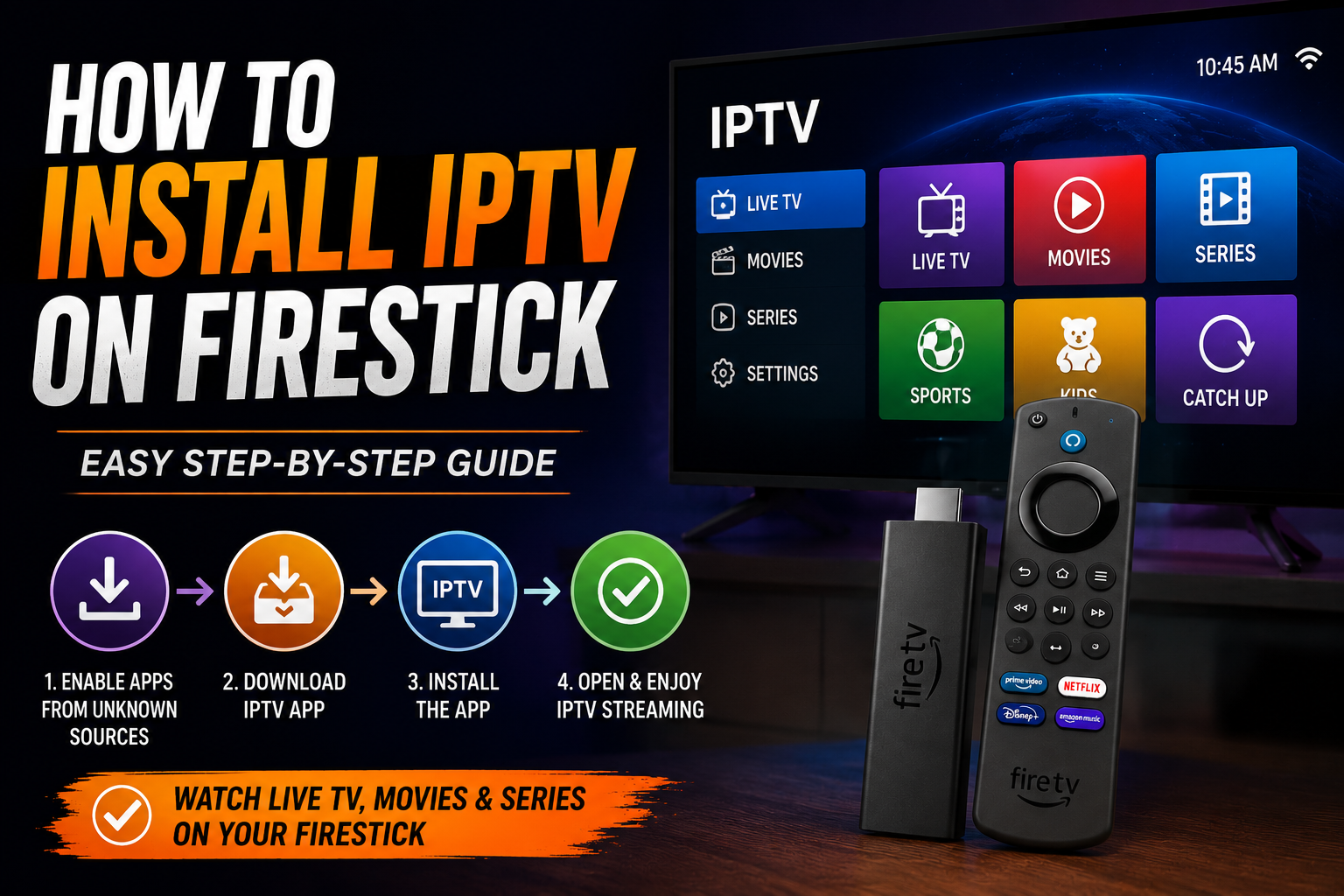
If you have just bought an Amazon Firestick and heard about IPTV but have no idea where to start, this guide is written exactly for you.
If you have just bought an Amazon Firestick and heard about IPTV but have no idea where to start, this guide is written exactly for you. A lot of people think setting up IPTV sounds complicated and takes a lot of time. But the reality is totally different. If you can plug something into a TV and connect to WiFi, you can do this. The whole process takes about five to ten minutes from start to finish, and you will be watching thousands of live channels before you know it.
What You Need Before You Start
Before you begin make sure you have these three things ready:
- Your Amazon Firestick plugged into your TV and switched on
- A working WiFi connection in your home
- An active IPTV subscription with your login details
If you do not have an IPTV subscription yet, contact Firestick Packages UK on WhatsApp, and we will get you set up with a package instantly.
Step-by-Step Installation Guide
Step 1: Allow Apps from Unknown Sources
Because IPTV apps are not always listed in the Amazon App Store, you first need to allow your Fire Stick to install apps from outside the store. This is completely safe and takes thirty seconds.
- Go to Settings on your Firestick home screen
- Select My Fire TV
- Choose Developer Options
- Turn on Apps from Unknown Sources
That is it. Your Firestick is now ready to install your IPTV app.
Step 2: Download the Downloader App
The Downloader app lets you install any app directly onto your Firestick using a web link. This is the tool that makes everything possible.
- Go to the Search bar on your Firestick home screen
- Type "Downloader" and select it from the results
- Click Download and wait for it to install
- Open the Downloader app once it is installed
Step 3: Install Your IPTV App
The most popular and easy to use IPTV app for Firestick is IPTV Smarters Pro. Inside the Downloader app, type the following address into the URL bar and download it directly.
Once it is downloaded, follow the on-screen prompts to install it. The whole process takes under two minutes.
Step 4: Enter Your IPTV Login Details
Open IPTV Smarters Pro after installation. You will see a login screen asking for your details. This is where your IPTV subscription information comes in.
- Select Xtream Codes API as your login method
- Enter the username your provider gave you
- Enter your password
- Enter the server URL from your provider
- Tap Add User
Within a few seconds your full channel list will load, and you are ready to watch.
Step 5: Start Streaming
That is genuinely it. You now have access to thousands of live TV channels, sports, movies, and international content right on your Firestick. Browse through the categories, find your favorite channels, and enjoy.
Final Thoughts
Installing IPTV on a Firestick in 2026 is genuinely one of the easiest things you can do. Five steps, ten minutes, and you have access to more channels and content than any streaming service in the UK. If you get stuck at any point, our support team at Firestick Packages UK is available on WhatsApp around the clock and will walk you through every single step.
Get your IPTV package today and be streaming within ten minutes. Contact us on WhatsApp now.
Frequently Asked Questions
Do I need any technical experience to install IPTV on Firestick?
No. You did not need any technical knowledge for this. If you can use a TV remote and connect to WiFi, you can install IPTV on your Firestick in under a few minutes.
Is it safe to enable apps from unknown sources on Firestick?
Yes. Enabling this setting simply allows you to install apps that are not listed in the Amazon App Store. It does not put your device at risk as long as you are downloading from a trusted source.
Which IPTV app is best for Firestick beginners?
The easiest option of all time for the new users is IPTV Pro. This setup has a very easy and simple interface. Even a non-technical person can easily make this setup without any kind of issues.
What do I need from my IPTV provider to log in?
Your username, password, and server URL are the only things that you need to get access. Your provider will send these to you as soon as your subscription is activated.
What happens if I get stuck during the installation?
Contact the Firestick Packages UK support team on WhatsApp at any time. We are available 24 hours, and you can get help with any issue.
Comments (0)
No comments yet. Be the first to share your thoughts!