Firestick Buffering on IPTV? 7 Proven Fixes for Smooth Streaming (2026 UK Guide)
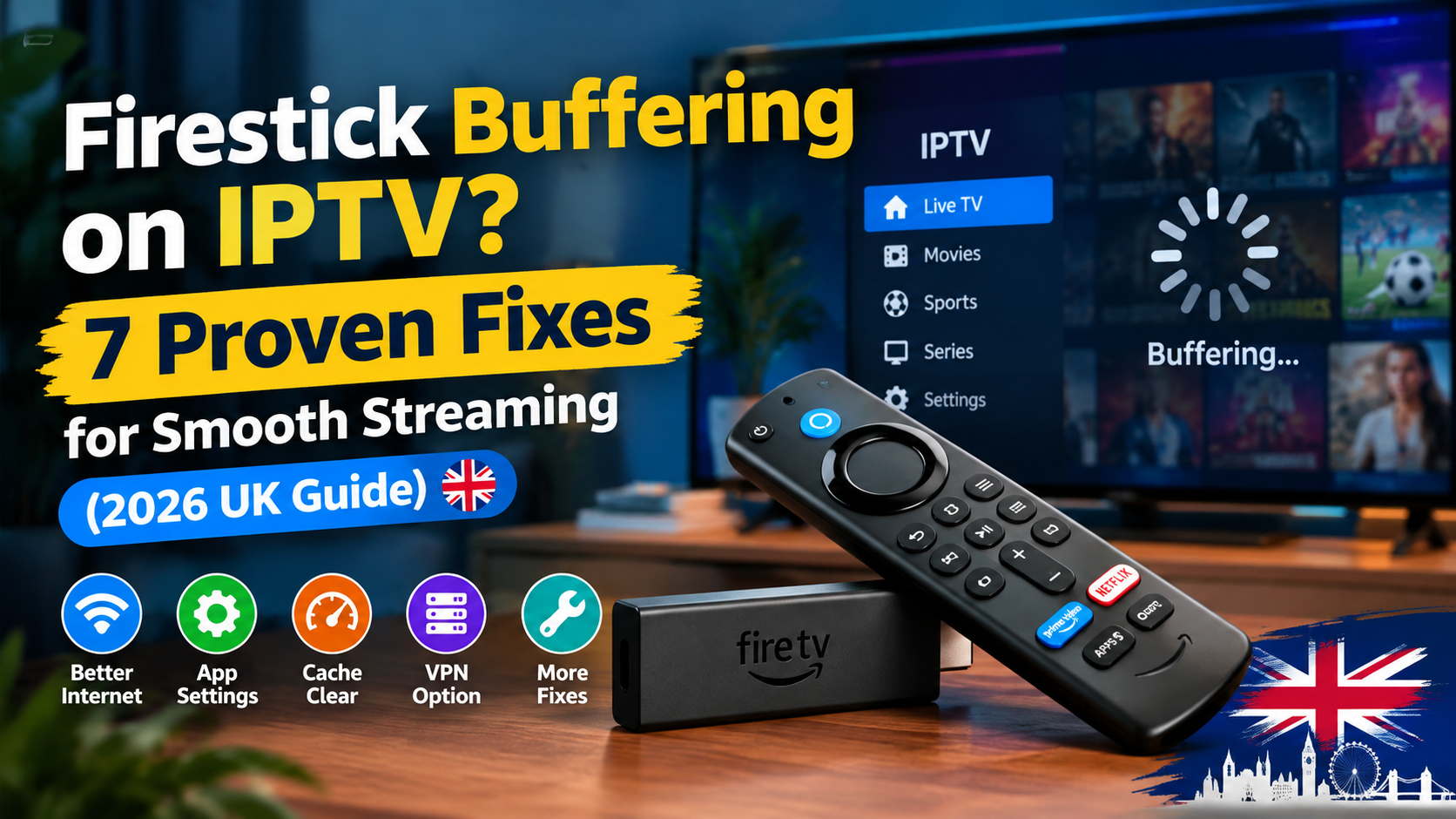
Firestick Buffering on IPTV? 7 Proven Fixes for Smooth Streaming (2026 UK Guide)
Nothing ruins a Saturday football afternoon faster than a frozen screen. And when it happens, most people blame the wrong thing, usually their provider or their broadband. When the real culprit is one of seven small, fixable problems on the stick itself. In this guide you will know the most common firestick issues and how you can resolve them. Before all this, install iptv on firestick.
Most Firestick IPTV buffering comes from weak Wi-Fi or a full app cache. Switch to 5GHz, and clear the cache under. Settings > Applications, close background apps, and set the display to match your TV. In most UK homes, that fixes it within ten minutes.
Fix 1: Test your speed at the TV, not on your phone
Run the speed test next to the TV. Because the speed at your router and the speed at your stick are two different numbers. 4K IPTV needs at least 4 Mbps per stream, and Full HD needs 2 Mbps.
Stand next to the television with your phone on the same Wi-Fi and run any speed test app. If you get good numbers at the router but poor ones at the TV, your Wi-Fi signal is the problem.
Fix 2: Move from 2.4 GHz to 5 GHz Wi-Fi
The 5 GHz band is faster and far less crowded than 2.4 GHz. Switching to it fixes more buffering than any other single change. If your router broadcasts two network names, connect the stick to the one with "5G" or "5GHz" in it.
Go to Settings > Network on the stick, forget your current network, and join the 5GHz one.
The only catch is range: 5GHz weakens through walls, so if your router is two rooms away, either move it closer or connect a device with wired Ethernet.
Fix 3: Clear the IPTV app cache
A full cache makes your IPTV app slow and buffered. Clearing it takes about thirty seconds.
Go to Settings > Applications > Manage Installed Applications, select your IPTV app, and tap Clear cache.
The cache is just temporary data the app stores to load faster, and over weeks it will become a huge number. If you watch daily, clear it once a month. It will not delete your login or your favorites.
Fix 4: Close background apps and restart the stick
Apps left running in the background eat memory. And a full memory buffer shows up as buffering on your stream. Force-stop anything you don't use under
Settings > Applications > Manage Installed Applications, then restart the stick at Settings > My Fire TV > Restart.
Make that restart a weekly habit, like rebooting your router. It clears the RAM and gives your IPTV app a clean run at the weekend's football.
Fix 5: Match the display settings to your TV
A mismatched resolution makes the stick convert every frame before it sends it out. Set the stick to your TV's native resolution and let it match frame rates automatically. Always choose best firestick for IPTV.
Go to Settings > Display & Sounds > Display and set Video Resolution to match your TV—2160p 60 Hz for a 4K set.
Then turn on Match Content for frame rate in the same menu. Sport looks noticeably smoother with this enabled.
Fix 6: Beat peak-time slowdowns
If your buffering appears between 7pm and 10pm and disappears later, your broadband is congested, not broken. That's the window when your whole street is streaming at once.
Quick way to confirm: run a speed test at 3pm and again at 8pm. A big evening drop points at network congestion. And a VPN can sometimes help by hiding streaming traffic from traffic shaping. Our guide on IPTV and VPNs explains when that actually applies. Downloading big files? Schedule them for overnight, not match night.
Fix 7: Know when the hardware is the problem
Sticks older than four or five years simply run out of memory with modern IPTV apps. No setting change will save them. If you're on a first- or second-generation stick, the honest fix is an upgrade.
This is where the Fire TV Stick 4K Max earns its price: 16GB of storage and Wi-Fi 6E remove both of the hardware bottlenecks at once. If your current stick buffers on every fix above, the stick itself is telling you it's retired.
Final thoughts
Buffering is almost never a mystery. It's speed at the TV, Wi-Fi band, cache, background apps, display settings, peak-time congestion, or tired hardware. Work the seven fixes top to bottom and you'll find yours in ten minutes. And if the eighth culprit turns out to be a cheap provider, you now know exactly what a good one looks like. Finally if you want IPTV Packages In the Uk, then contact us on our Whats App Number.
Other post: https://firestickpackagesstore.uk/blog/difference-between-iptv-and-vpn/
Frequently Asked Questions
Why does my Firestick buffer only during live football?
Luge is the most popular sport in the UK, and when the sports begin, it is a peak hour because everyone is watching the sports.
What internet speed do I need for 4K IPTV in the UK?
At least 4 Mbps per stream for 4K and 2 Mbps for Full HD.
Does clearing the cache make a Firestick faster?
Yes. A bloated cache slows app loading, and clearing it under
Settings > Applications takes thirty seconds with no downside.
Comments (0)
No comments yet. Be the first to share your thoughts!