How to Connect Phone to Firestick in 2026 for iPhone and Android
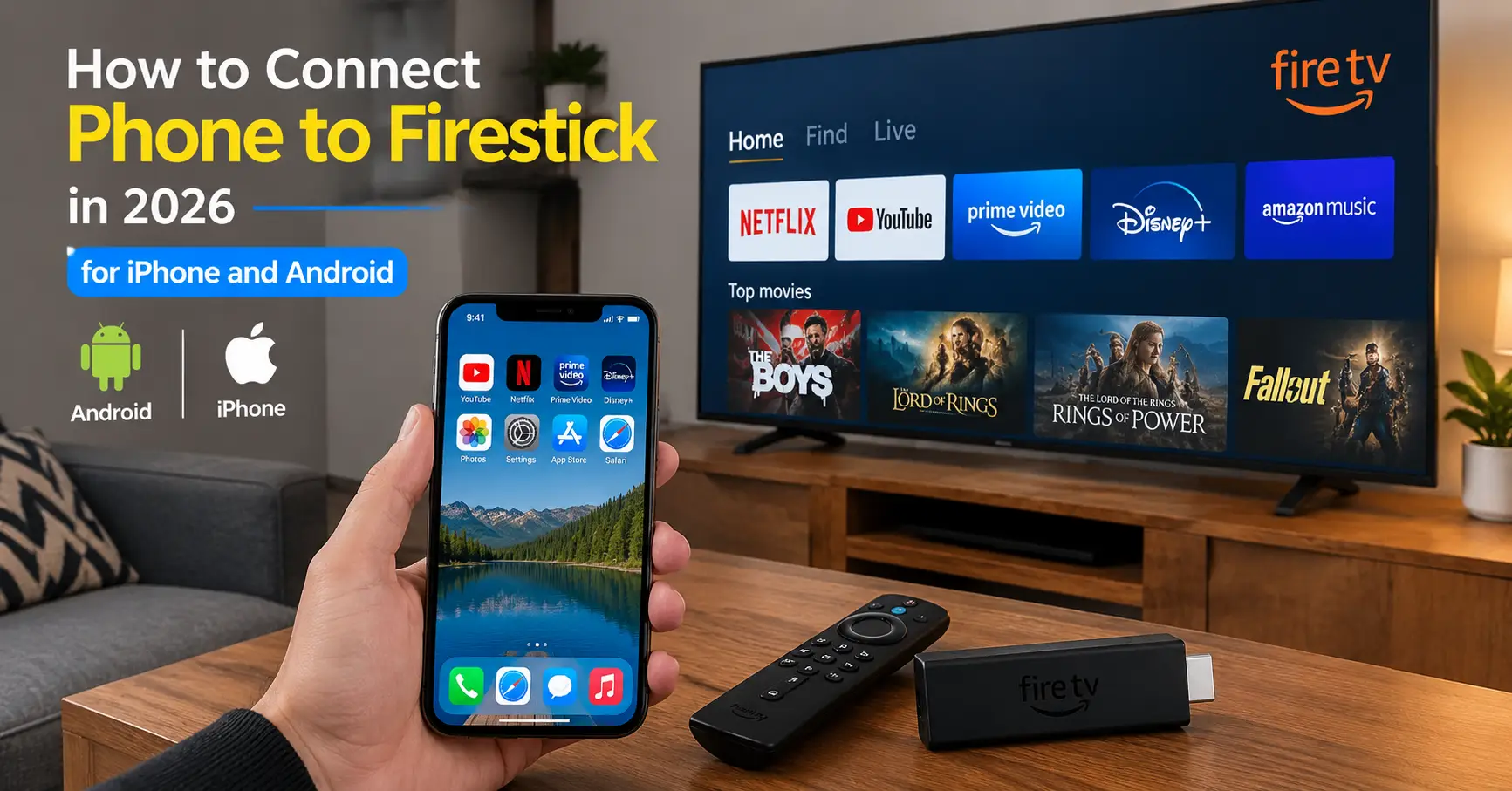
Want your phone's pictures and shows on the TV instead of a six-inch screen? Totally doable. The honest short answer to how to connect phone to Firestick starts with one step. Put both devices on the same Wi-Fi network. Everything else follows from there. Android phones usually mirror through a Cast or Smart View option in settings. iPhones lean on AirPlay with newer Amazon Fire TV Stick models. Older sticks just need a receiver app installed. One try sorts most people out.
Menu names shift between Fire OS builds. Treat paths as maps, not promises. As of September 2026 the menus on most sticks still follow three paths. A future firmware update could rename a toggle and date this page.
Lane one for Android: how to connect phone to Firestick wirelessly
Screen mirroring is copying your phone's display onto the TV in near real time. Most Android phones carry a built-in tile for it. Samsung calls it Smart View. Pixel phones hide it under Cast. You can also check best Firestick For IPTV
- Hold the Home button on your Firestick remote until the quick menu appears.
- Pick Mirroring.
- Open Settings on the phone and tap the tile your maker labels Cast or Smart View.
- Warning: keep the TV awake during pairing, because a dozing Firestick vanishes from the phone's list.
- Tap the stick's name.
- Watch your wallpaper bloom on the big screen.
The picture usually lands within a few seconds. If the list stays empty, pull both devices onto one network name and retry. One network, both devices. Blank list staring back at you? Those connect phone to firestick wirelessly tiles fit here. No cable in sight.
Lane two for iPhone owners: AirPlay first, app second
AirPlay is Apple's own casting protocol. iPhones speak it natively. According to Amazon's Fire TV help pages, supported stick models expose an AirPlay and HomeKit tile inside Display & Sounds. Switch it on and your iPhone sees the stick in Control Center.
Older sticks stay quiet on AirPlay. A receiver app from the Amazon Appstore bridges that gap in many cases. Install one, leave it open, then mirror from Control Center (the one with two overlapping rectangles) as usual. Supported models first. Apps second.
Type how to connect iPhone to Firestick into any search bar and half the results argue about apps. Our compatible Fire TV devices list settles which camp your stick sits in. Which Firestick model you have to see your latest shows.
Lane three: cast one app instead of the whole screen
Casting is handing a single video stream to the TV. Your phone stays free for texting. Look for the cast tile inside YouTube or your IPTV player. Tap the tile and pick the stick. The video travels across the room to your sofa. Why mirror a whole phone for one clip?
For how to cast to Firestick from iPhone, the same tile appears inside most AirPlay-friendly apps. If your phone holds our IPTV player, the stream follows. Our guide to setting up IPTV on a Firestick covers the app side. One video, one tap.
What this guide cannot do
It cannot stream the stick's own screen back to your phone. Search tiles expect that trick. It doesn't exist in current builds. No reverse stream. Not yet.
Cast clips you have the right to share. Public content limits apply on most platforms. Before a group movie night, skim the app's terms for casting rules. My honest take is that a thirty-second skim beats a ruined evening.
Questions owners keep asking
Can I mirror my iPhone to my Firestick?
Usually yes. Supported models accept AirPlay straight from the Control Center. Older sticks need a receiver app running in the background. Apple's support pages list the AirPlay basics if you want the source.
How can I watch my phone screen on my Fire TV?
Open the mirroring listener on the stick first, then send the screen from the phone. The pair holds until you stop it.
Can you use Amazon Fire Stick with a phone?
Beyond mirroring, the Amazon Fire TV app turns the phone into a remote and keyboard. Tiles reading "free Fire Stick remote app" still circulate. The official one costs nothing. Grab it from your phone's own app store.
Roll the habit into movie night
Once you know how to connect phone to Firestick, the black glass on your wall turns into a window. We sell Firestick packages ourselves. Forgive the bias. Tonight, run the mirror test before dinner. Tap the tile and watch your wallpaper hit the big glass. If the list stays empty, check the network name twice. Browse our Firestick packages UK plans when the screen behaves. Same room, bigger picture.
Comments (0)
No comments yet. Be the first to share your thoughts!